SMTP Configuration
Email notifications settings can be configured on both Central Manager and Smart Poller.
By default notifications about to monitored devices/services are sent by the Smart Pollers.
Since the Central Manager can perform self-diagnostics procedures, in case it detects any issues, it can generate alarm notifications as well. Therefore SMTP should be configured also on the Central Manager itself.
- i-Vertix4 (Central & Poller)
SMTP Configuration
- Select option
7- SMTP settings (e-mail)
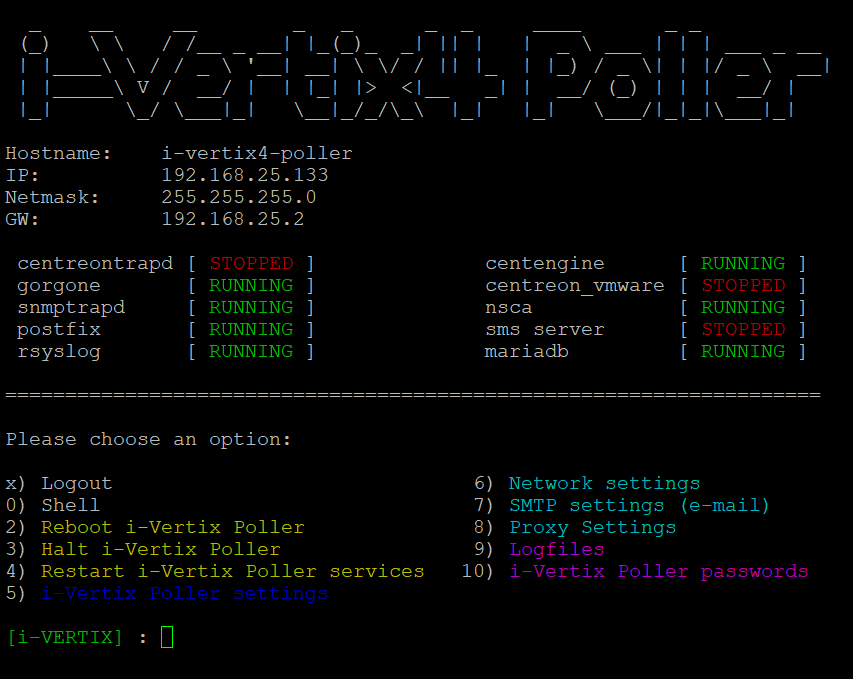
- a new menu shows up which displays what the current relayhost configurations are

- Select the proper SMTP option among the proposed ones

Available options
-
Normal SMTP: please follow each step carefully
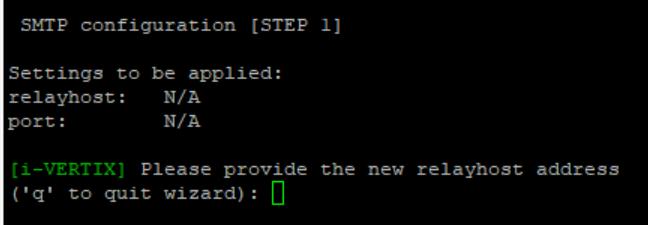
-
SMTP with authentication
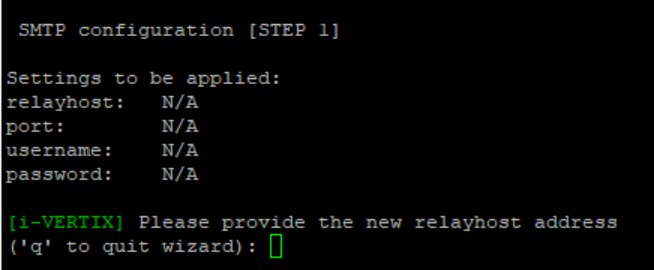
-
SMTP for Office365 or Amazon AWS SES
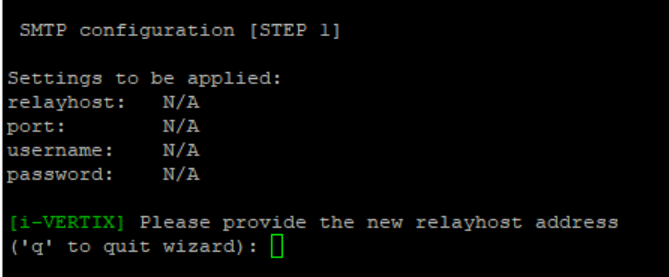
Configuration steps for SMTP
Compile every voice the menu steps indicate for each SMTP option you choose.
Once the proper option has been selected and configured, quit by typing q
If you want to test the configuration you've just made, simply type T in the menu.

Provide a real e-mail sender and receiver for the test